
Landlords
This section covers the operational workflow and records related to landlords in the Property Management module.
Overview
Section titled “Overview”In this section you can create and monitor landlord entities which come in two types; corporate and individual.To create a landlord click the [add landlord] button and fill in the details for the landlord.After creating a landlord you can look them up on the landlords list, to speed things up use pending filter to find them faster. On monitoring you can:
- view landlord details through [Option > view].
- see the type of landlord they are.
- view their status, whether they are active or pending, declined etc.
- You can also edit the landlord details via [Option > edit]
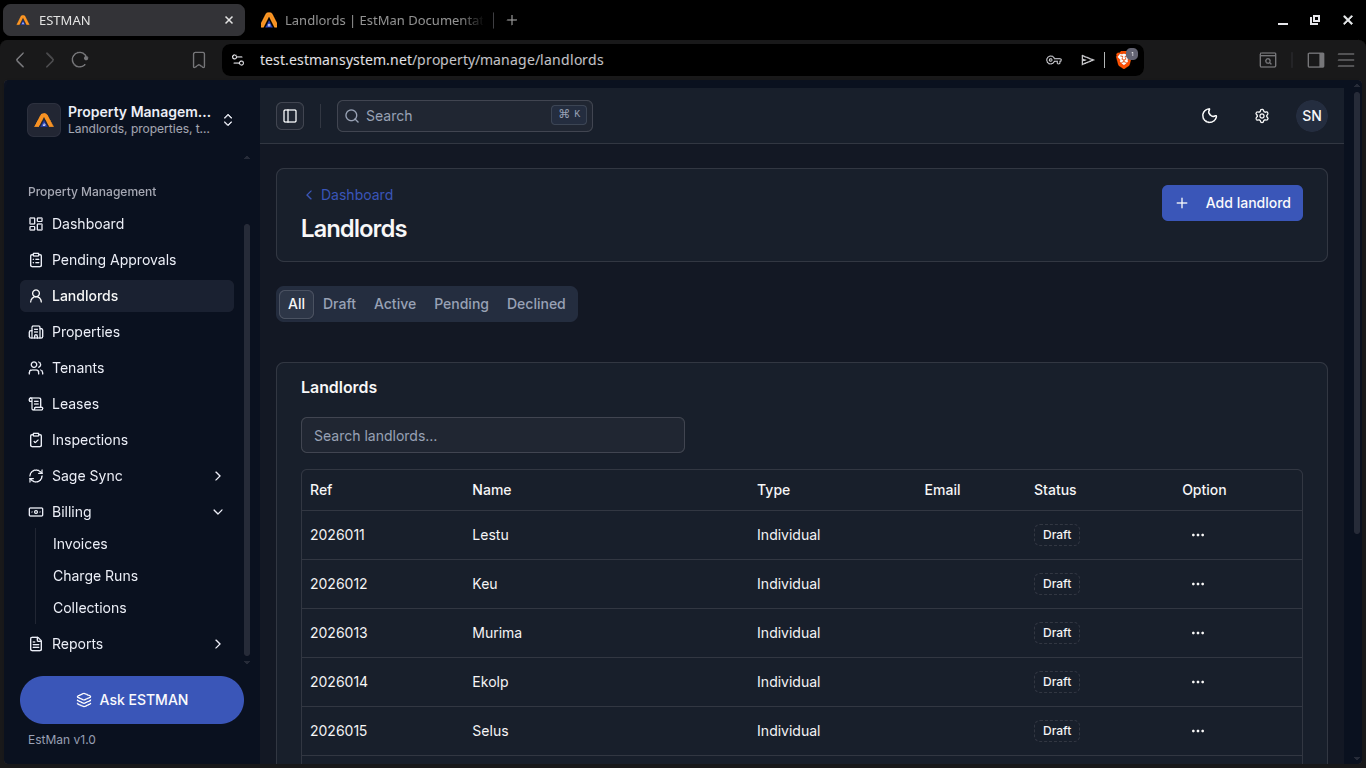
you can apply filters to view landlords in the table
Rules and Requirements
Section titled “Rules and Requirements”Rules
Requirements
- personnal details
- identification Document