
Billing
This section covers the operational workflow and records related to billing in the Setup module.
Overview
Section titled “Overview”Under the billing section we have three subsections namely: Billing method, Allocation method and Billing template.Lets go into them.
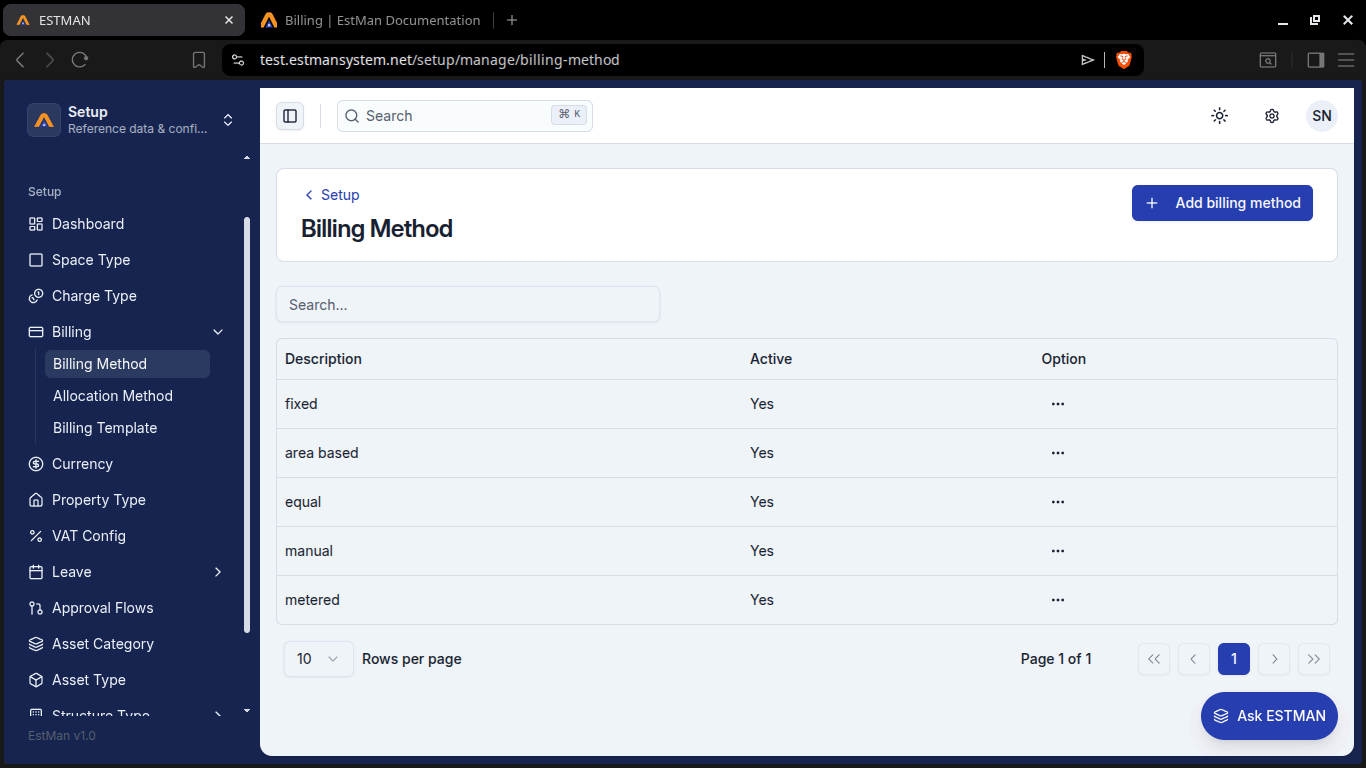
Billing Method
Section titled “Billing Method”Here we can view the billing methods available to us and also create our own. On viewing we can view all the available ones, active or not in the billing Method table. We can also view the description for each via [Option > view].
creating a billing method
Section titled “creating a billing method”Just click the [Add billing method button] and write the description in the form and hit [save] and you are done
Allocation Method
Section titled “Allocation Method”Here we can view the allocation methods available to us and create our own. They are all listed in the Table and we can view each method’s description via [Option > view].
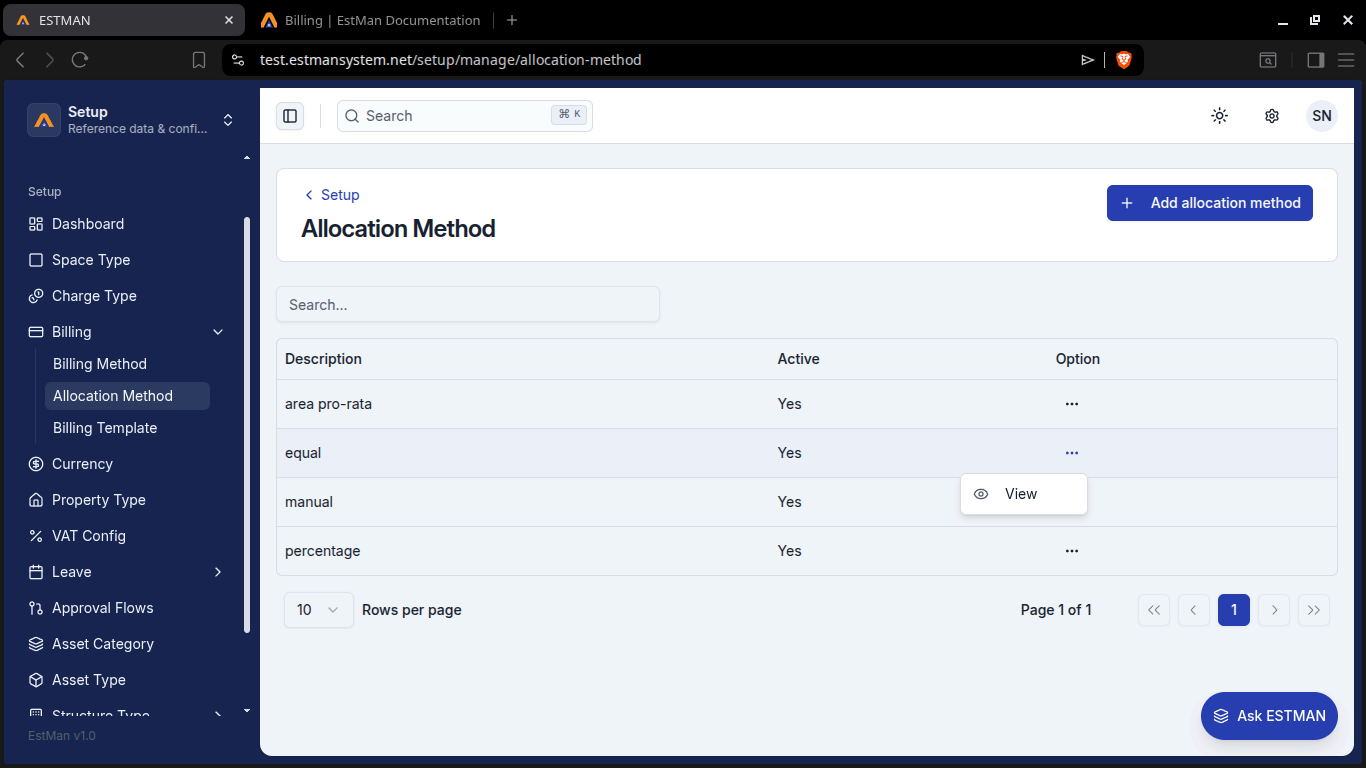
creating an allocation method
Section titled “creating an allocation method”Just click the [Add allocaton method] button and write the description in the form and hit [save] and you are done
Billing Template
Section titled “Billing Template”Here we can view the billing templates available to us and create our own. They are all listed in the Table and we can view each template’s description via [Option > view].
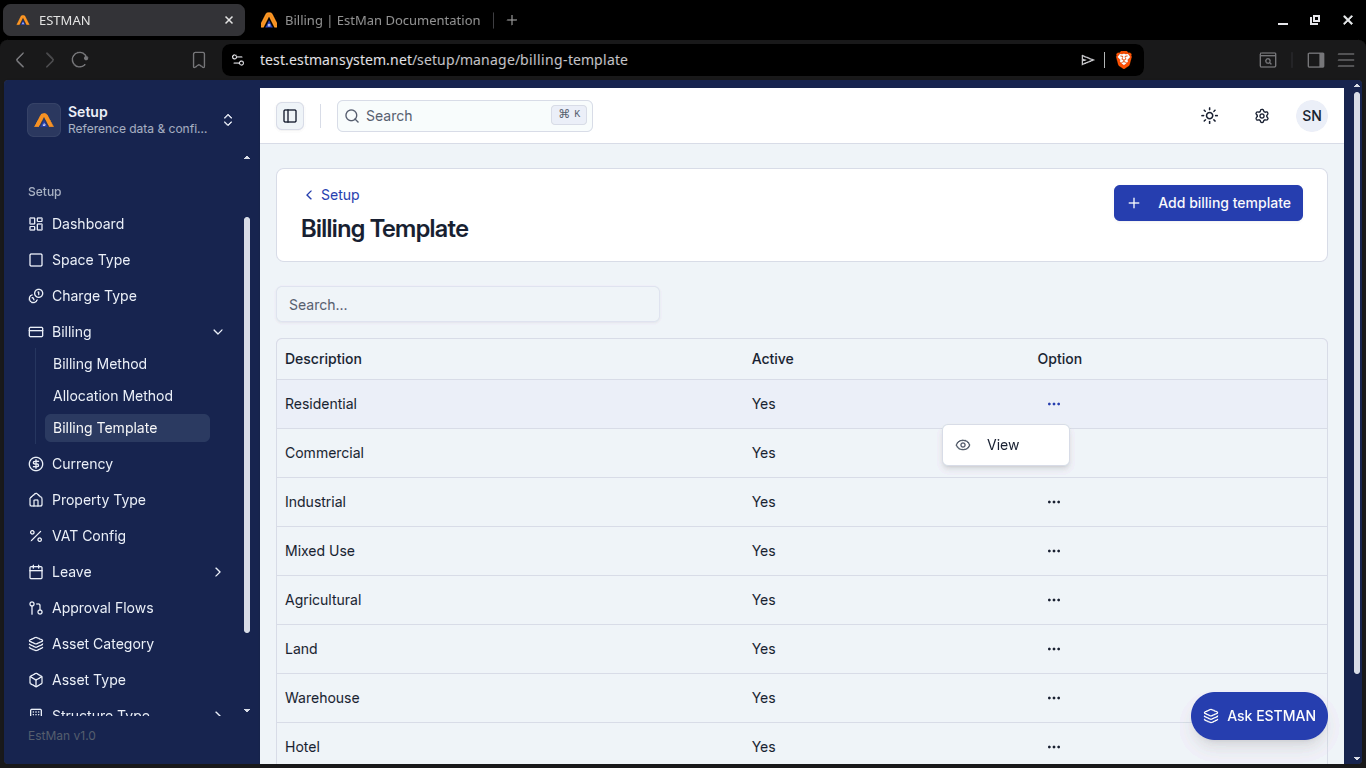
creating a billing template
Section titled “creating a billing template”Just click the [Add billing template] button and write the description in the form and hit [save] and you are done