
Instructions
This section covers the operational workflow and records related to instructions in the Valuation module.
Navigation: Go to Instructions in the sidebar
Overview
Section titled “Overview”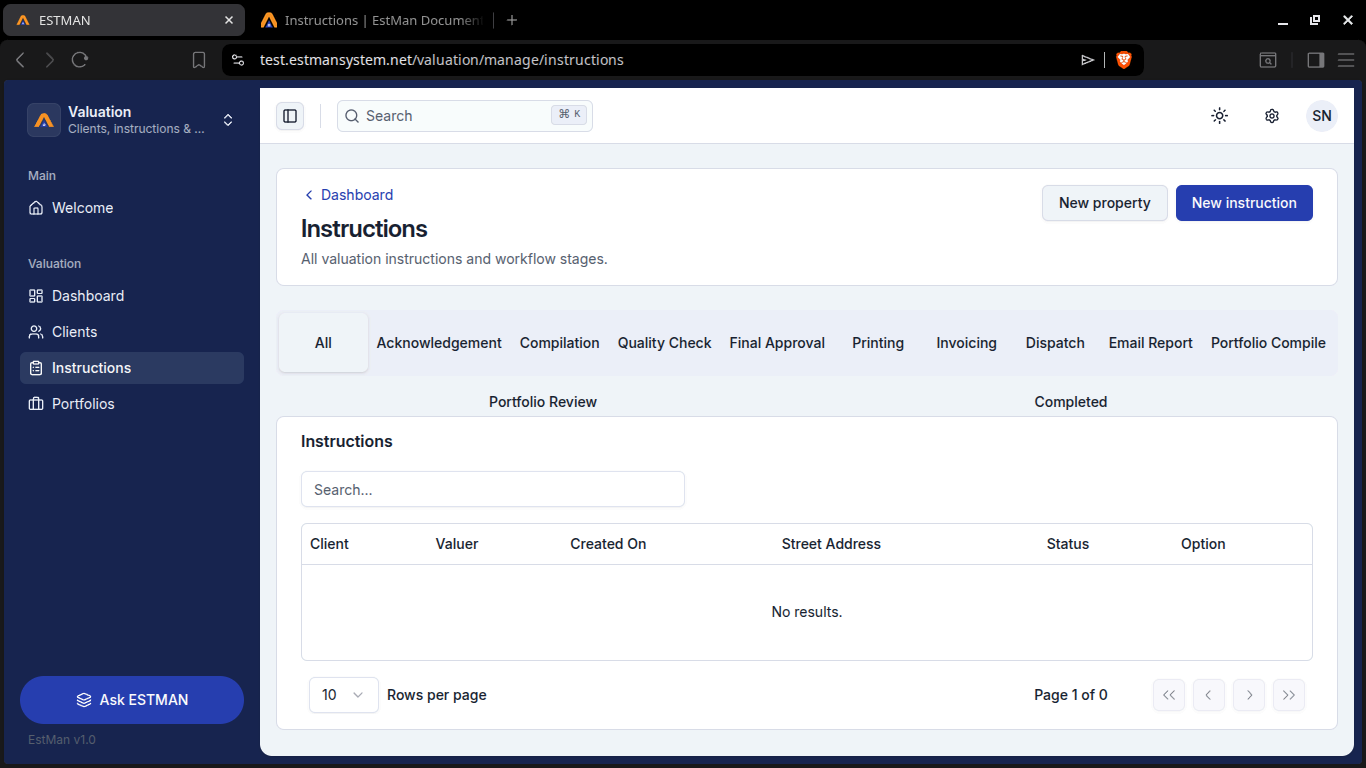
Under this section you can create New Property via [New property] button and filling in the details in the form you do need to have a client first so To first heard over to the client option in the sidebar create one and use them. To create an Instruction you need a client so first heard over to the client option in the sidebar create one and use them for step one of new instruction creation.